

Home › Forums › Ongoing Development › Flexible materials testing › Firmware test - only relevent to flexible filament users
This topic contains 7 replies, has 4 voices, and was last updated by  Kent Hartland 12 hours, 58 minutes ago.
-
AuthorPosts
-
07/03/2016 at 4:46 pm #27639
Testers welcome, this firmware improves filament slip and some other things with dual material. These improvements will most likely come in the next AM version so there is no need to install this unless you want to help test.
This firmware robox_r744.bin will work with AM 2.00.01 on Windows 10 which is the only system we have tested with. Please do not use it with any other version of AutoMaker.
You will be able to go back to the standard firmware after installing if you wish. Download the file and place it in C:\Program Files\CEL\Common\
With Robox turned on and connected but not printing or performing any other operation load the new firmware.
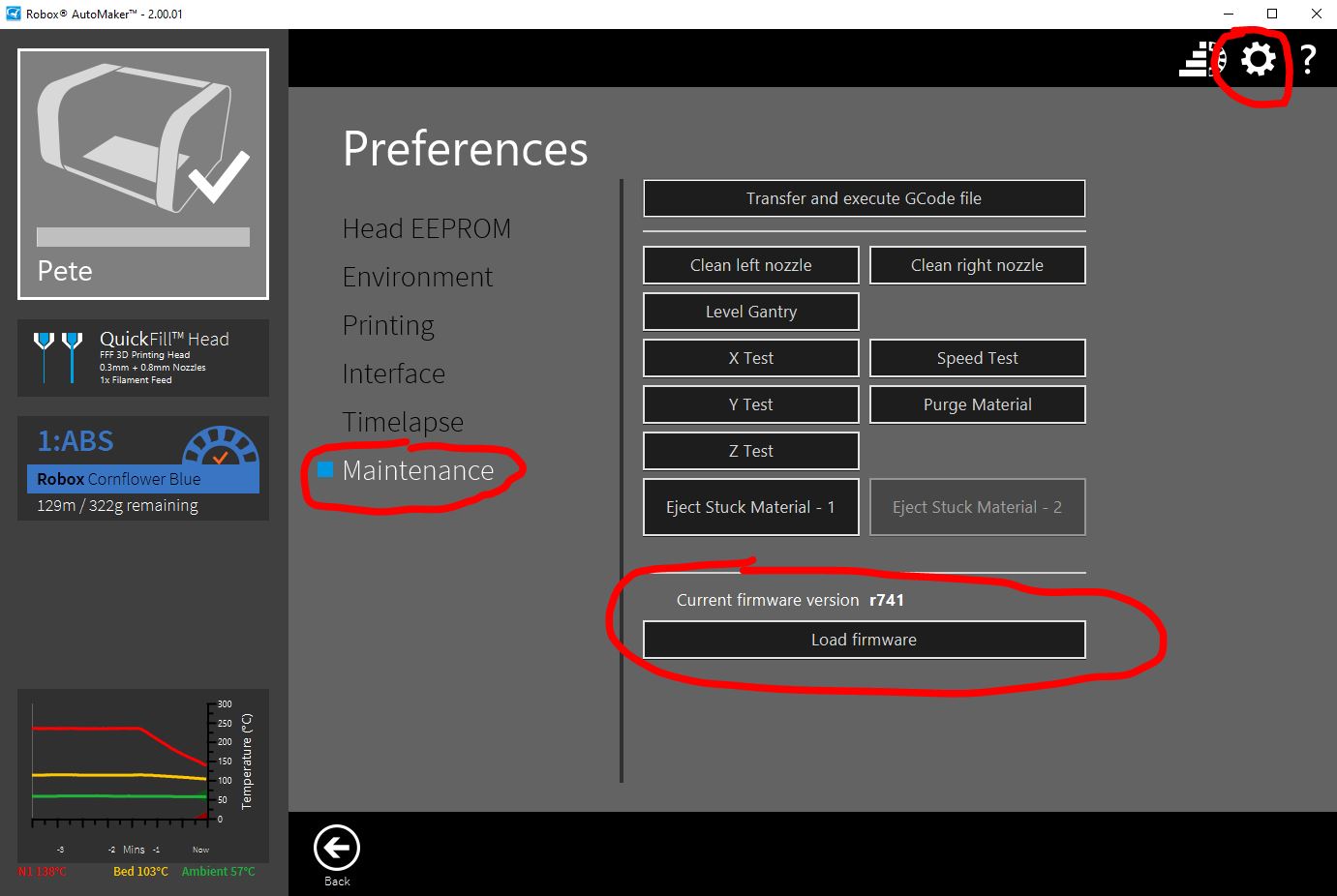
- Click the Gear icon for Preferences (top right)>Maintenance>Load Firmware
- Navigate to the new firmware file r744 and load it.
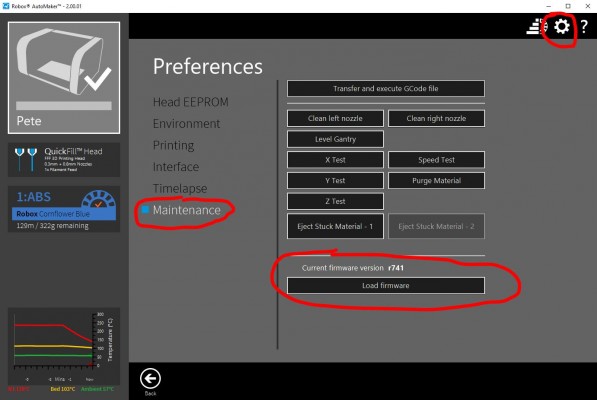
If you load this firmware on a standard installation you will be constantly told to change to the previous firmware r741.
To stop AM from telling you this you can:
- Close AutoMaker.
- Edit this file using a text editor like notepad.
C:\Program Files\CEL\AutoMaker\AutoMaker.configFile.xml
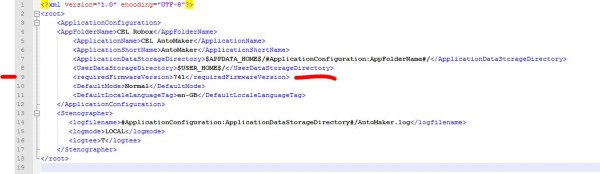
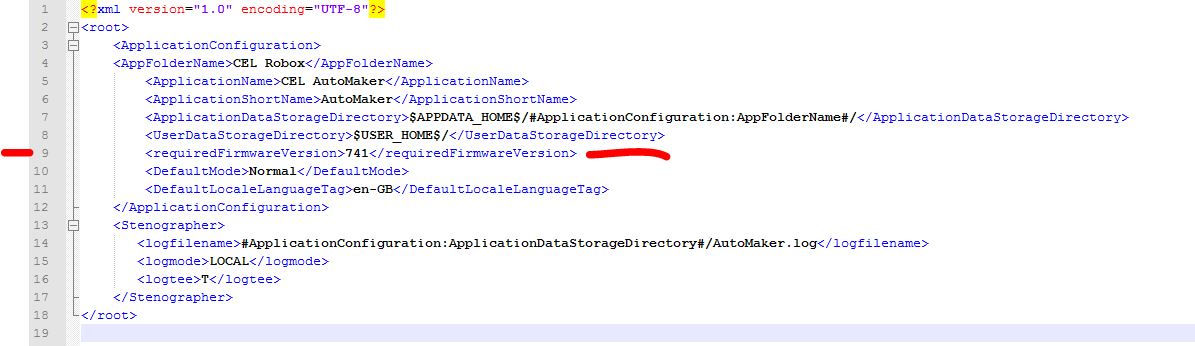
Find the line
<requiredFirmwareVersion>741</requiredFirmwareVersion>
Change it to
<requiredFirmwareVersion>744</requiredFirmwareVersion>
Then save and close.
When using flexible filament the M909 S50 command is still best but should now work more reliably.
Please provide feedback on this firmware.
// Please remember that software versions are always matched to firmware versions, you should allow AutoMaker to update the firmware when it is appropriate. Updates to firmware end with a reset of the hardware, if Robox is doing something that operation will be cancelled and will need to be started from the beginning.
-
This topic was modified 2 weeks, 6 days ago by
 Pete.
Pete.
 08/03/2016 at 1:42 pm #27720
I have this firmware running now. I’m using Nylon, which i’m not sure counts as a flexible filament, but was giving me tons of slip errors nonetheless. Currently on print 2 and no slips detected so far

Thanks team CEL.
08/03/2016 at 2:51 pm #27723@pete I am quite interested giving it a go. Do you know what kind of improvements are added to that firmware version? It might help me understand current slippage errors I am getting (straws I am clutching that it is software not obstruction in the head),
08/03/2016 at 4:55 pm #27735There have been a few changes but nothing relevant to current hardware except this one.
Note from firmware engineer.
The normal filament slip threshold (set with M909 S) was previously ignored, with the move until slip threshold (set with M909 T) being used all the time. They are now used appropriately.
08/03/2016 at 7:36 pm #27745@pete Thanks. Actually it might explain constant slip errors I was getting - much more than before. And I *think* I tried with M909 S50 and it didn’t help much, which, again, might be explained with that… Unless I have some other problem. Eh.
27/03/2016 at 1:02 am #28492It menbtions dual material. I have the Quick Fill head. Does this update still apply> When I try to do it the “Load Firmware” button is disabled. I downloaded the R744.BIN file but don’t know where to put is so my Robox can see it.
Kent
Damn Solid Design27/03/2016 at 8:49 am #28496@heartlander yes it works with the quickfill head fine. I think the only change is the filament slip detection bug.
Have you got the correct advanced settings checkbox checked?
27/03/2016 at 12:35 pm #28498Thanks Hagster. I keep forgetting about that advanced xheckbox. D’oh!
Kent
Damn Solid Design -
AuthorPosts



You must be logged in to reply to this topic.


